Pebble phone plugin
 Pebble phone plugin
ČHMÚ Weather
Czech observations. Local forecasts. On your Pebble.
A station near you.
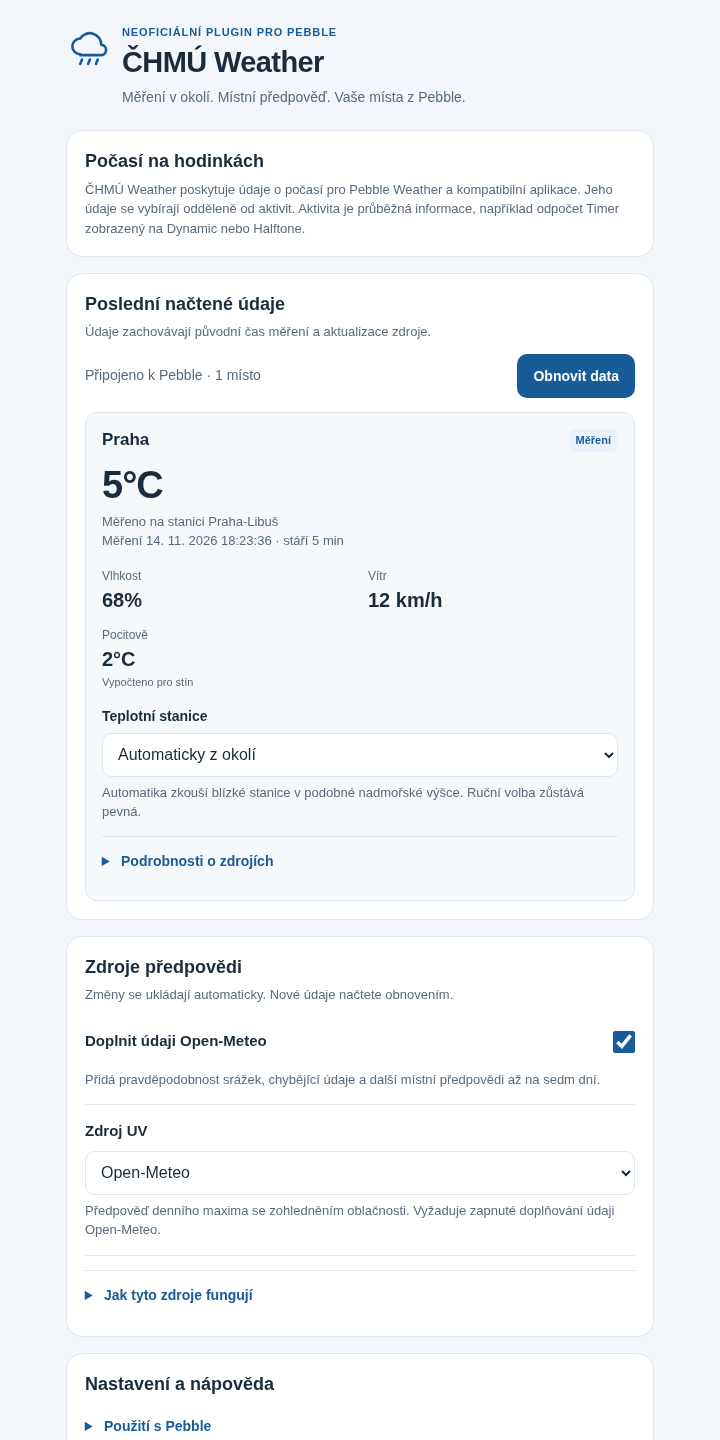
Runs inside the Pebble phone app. Compatible watchfaces display the weather.
An unofficial weather provider inside the Pebble phone app. Get nearby ČHMÚ station observations and ALADIN forecasts in Pebble Weather and compatible readings. Open-Meteo completion adds missing fields and later forecast days; it starts enabled and can be turned off.
- Works with
- Pebble phone app with plugins · Czech weather locations
- Version
- 1.0.4
- Enable Plugins / permissions preview in the official Pebble phone app.
- Czech coverage. Internet access is required for public observations; GPS is optional when using a saved location.
Latest release
What changed in v1.0.4
Full release notes- Saving settings and refreshing weather are more clearly separated.
- Station and source changes keep location context without showing readings from the previous selection.
- Improved keyboard focus and clearer forecast UV guidance.
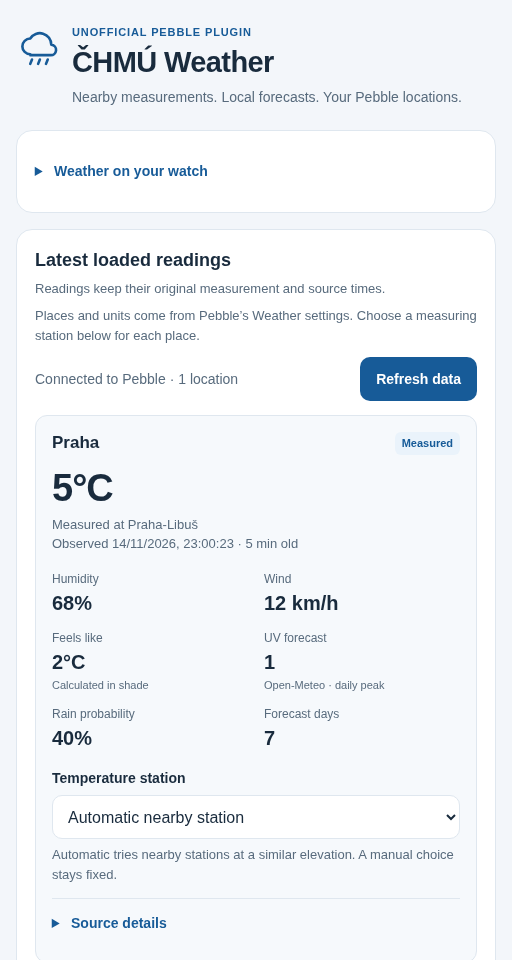
Browser settings preview · example data
In the Pebble phone app
Choose where your weather comes from.
Let the plugin find a nearby station or choose a fixed Czech station. Follow the locations and units saved in Pebble, and decide whether to add Open-Meteo forecast information.
- Use automatic nearby station selection or choose a fixed Czech station
- Feed Pebble Weather and compatible watchface readings without an API key
- Use Open-Meteo completion for rain probabilities, forecast UV and later forecast days; turn it off in settings if preferred
Choose your readings
Weather in the places you already look.
Choose ČHMÚ Weather as your provider for Pebble Weather. To show small readings on Dynamic or Halftone, select them under Pebble’s Complications settings. Dashboard can display a reading as a pin.
Weather readings have their own settings, separate from Activities such as a Timer countdown. Coverage is limited to Czech locations; UV is a forecast.
A closer look
ČHMÚ Weather in use.
Settings previews with example data. Open an image to see its full size.
Phone settings
Already installed?
Make ČHMÚ Weather yours.
Find the setup steps and controls, or get help with something that isn’t working.